Harmonic analysis and IEEE 519 checks in Electrisim
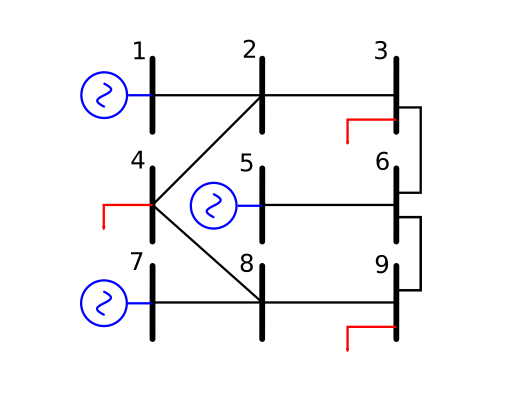
Harmonic Analysis computes voltage and current THD: how non-linear equipment injects harmonic currents and how they propagate. Assign spectra on the Harmonic tab of loads, external grid, and other elements, then run the OpenDSS harmonic study.
Where to find it: Simulate → Harmonic Analysis (OpenDSS). Set spectra before you run. Reference: Harmonic analysis in documentation.
When to use
- Voltage and current THD at each bus
- Checks against power-quality limits (for example IEEE 519)
- Filter design and harmonic propagation from converters or VFDs
How to run
- Build the fundamental model: buses, lines, transformers, shunts, and an external grid.
- On each non-linear element, open the Harmonic tab and set the spectrum.
- Click Simulate → Harmonic Analysis. Set base frequency and harmonic orders (for example 3, 5, 7, 11, 13).
- Review bus VTHD, per-order voltages, line harmonic currents, and the spectrum chart.
Try the IEEE harmonics benchmark model for a reference network with filters and HVDC loads.
Harmonic studies use the OpenDSS engine in the browser: app.electrisim.com.
Related: CYME alternative (distribution and OpenDSS), pandapower vs OpenDSS, and full harmonic documentation.