Motor starting and voltage dip analysis in Electrisim
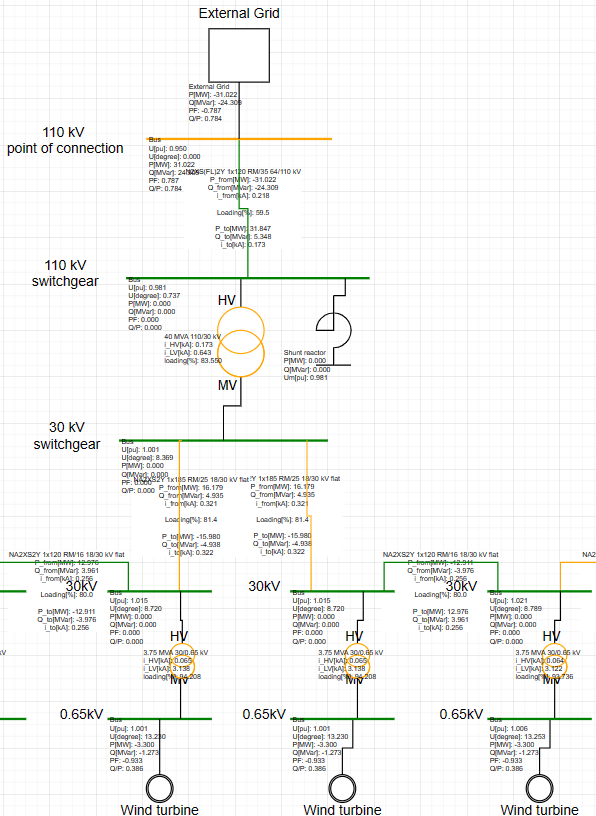
Motor Starting checks voltage dip and loading when asynchronous motors start. Use the steady-state study for three snapshots (before / locked-rotor / after), or the dynamic study for a time-domain startup. Methods include DOL, soft-start, star-delta, autotransformer, and reactor.
Where to find it: Simulate → Motor Starting. Requires a subscription. Each motor needs locked-rotor current, R/X, and rated voltage in the Motor dialog. Reference: Motor starting in documentation.
When to use
- Voltage dip vs a limit (for example 10–15%) during DOL or soft-start
- Comparing starter methods in steady-state
- Start time and voltage recovery in dynamic mode (ANDES)
How to run
- Place Motor elements and fill locked-rotor data.
- Click Simulate → Motor Starting.
- Choose steady-state or dynamic, the motors to start, and the starter method.
- Run and review bus dip, branch loading, and (in dynamic mode) the time plots.
Steady-state (pandapower)
- Before: motors to start are out of service; load flow gives pre-start voltages.
- During: each starting motor is a locked-rotor PQ load. Starting current scales by method factor (DOL = 1, soft-start from current limit, star-delta = 1/3, autotransformer = tap², reactor from series reactance).
- After: motors return at their loading; post-start voltages are computed.
- Checks: dip % vs limit on every bus; branch loading during start vs thermal limit.
Dynamic (ANDES)
Selected motors become dynamic devices; a toggle connects each motor at the start time. Time-domain simulation returns voltage, current, slip, and torque vs time. Soft-start in dynamic mode can approximate an initial current limit by scaling motor Sn.
Run motor starting on the same diagram you use for load flow: app.electrisim.com.
Related: Load flow tutorial, EasyPower alternative (arc flash and motor studies), and full motor starting documentation.